


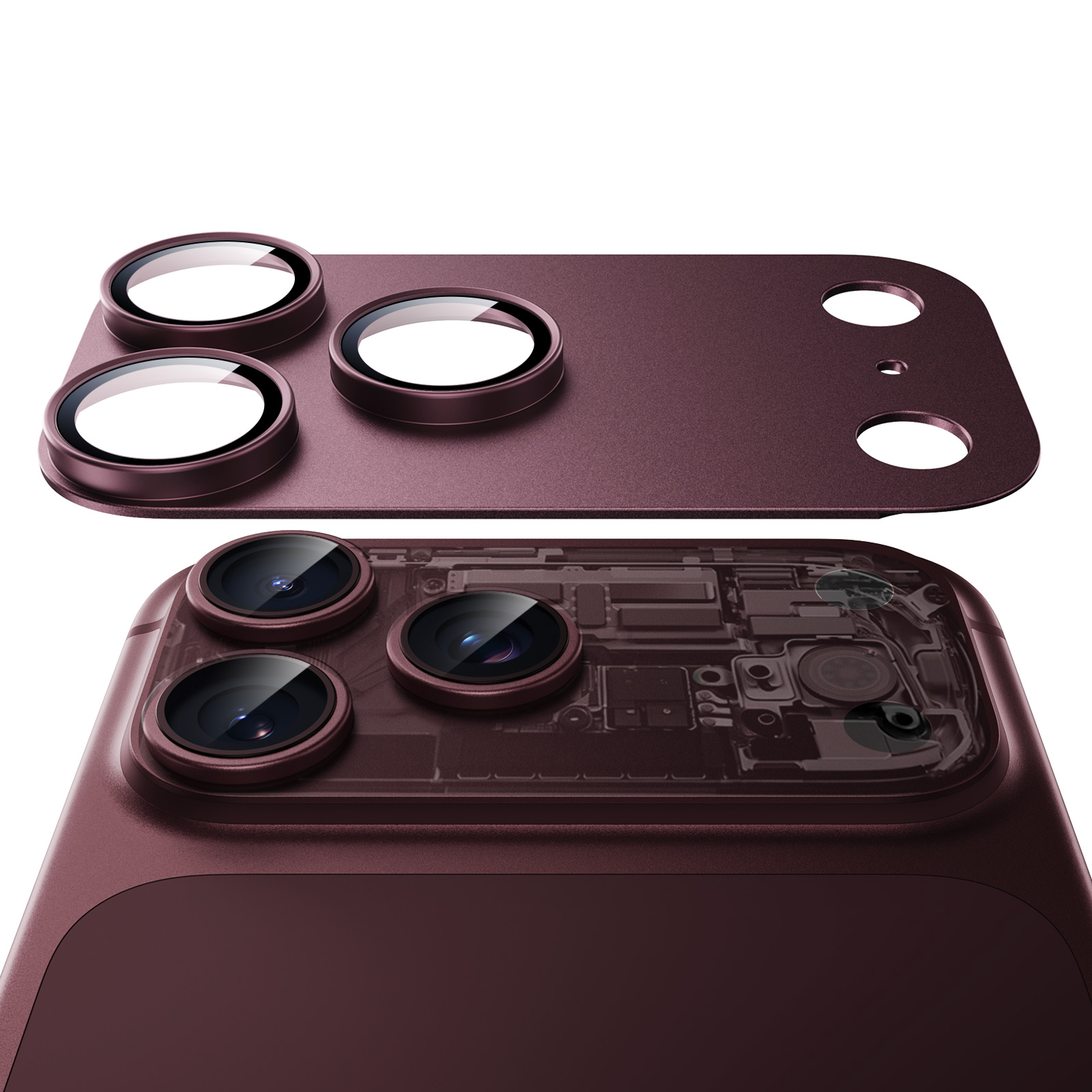
ESR Armorite® Pro Camera Lens Protector (Full Coverage)
Select a Model
Video is coming soon
FAQ
Need help? Our support team will reply within one business day.
Useful?
Select a Model
Video is coming soon
FAQ
The lens protector is made from tempered glass and a high-aluminum metal frame for lasting durability.
To keep it performing at its best:
- Follow the installation instructions and avoid applying excessive pressure to the camera lenses.
- Avoid heavy impacts during everyday use.
The one-piece design provides full camera coverage and a secure fit. To remove it safely:
- Use the included removal tool to gently lift one edge of the lens protector.
- Slowly peel it away in one continuous motion until it is fully removed.
For the best adhesion, follow the installation instructions and keep these tips in mind:
- After installation, firmly press down on the metal frame with both thumbs to help activate the adhesive.
- Once installed, avoid removing and reinstalling the lens protector, as this may reduce the adhesive strength.
Fogging can happen when your phone is exposed to sudden temperature changes, such as moving from a hot outdoor environment to a cool air-conditioned room. This phenomenon is normal and typically resolves on its own once the temperature stabilizes.
Please note that the lens protector is not waterproof. In wet conditions, such as rain, moisture may accumulate between the protector and the lens, resulting in fogging.
If you notice fogging under these conditions, please remove the lens protector and allow both the phone and the protector to dry completely before reinstalling. The Armorite protector uses an anti-reflection coating that increases surface roughness, helping reduce fogging.
Please send us a photo of the item you received, along with your shipping address, and we will send a free replacement.
If the lens protector you ordered doesn’t match your device, simply provide us with your device model name or number. We’ll send you the correct size—no return is needed.
How to check your device model:
- On iPhone: Settings > General > About > Model Name / Model Number
Need help? Our support team will reply within one business day.
Useful?


