




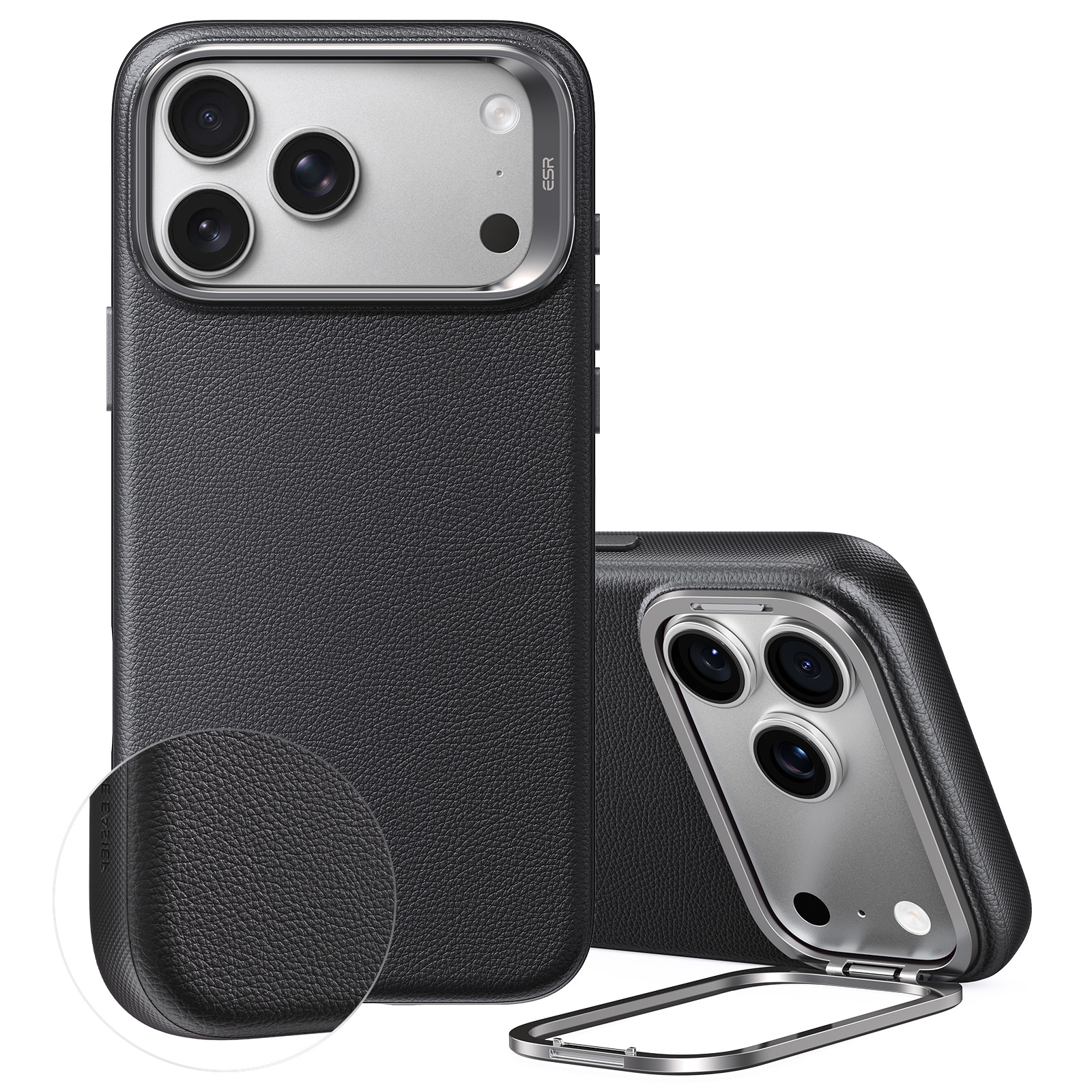
ESR Atelier Silicone Leather Magnetic Case with Camera Control and Flex Stand
Select a Model
Video is coming soon
FAQ
Need help? Our support team will reply within one business day.
Useful?
Select a Model
Video is coming soon
FAQ
Please send us a photo of the item you received, along with your shipping address, and we will send a free replacement.
If the case you ordered doesn't fit your device, please provide us with your device model name or number. We'll send you the correct size, with no returns necessary.
How to find your device model:
iPhone: go to Settings > General > About > Model Name/Model Number
Follow these guidelines to use the stand properly:
- Adjust between 0° and 69°. Do not force the stand beyond 69°, as this may affect its function or damage it.
- Avoid excessive pressure. Do not press down on the case with both hands. Pressure over 5 kg may cause the stand to detach.
- Use the stand only to support your phone. Do not use it as a finger ring, as excessive force may cause the stand to detach and the phone to fall.
The case is compatible with most wireless chargers, magnetic power banks, and leather or fabric magnetic card holders. These accessories are suitable for everyday use with the case, although compatibility may vary by product.
When using a magnetic card holder or wireless charger, avoid unnecessary rotation or dragging, especially against rough surfaces, as repeated friction may cause unnecessary wear.
To keep the silicone leather surface in good condition:
- Keep sharp or hard objects away to prevent scratches.
- Keep the case away from corrosive liquids.
- Avoid high temperatures and do not heat the case.
- Do not clean or soak the case directly with water.
- Avoid repeated rubbing against rough surfaces, as this may cause the silicone leather to peel, fade, or transfer color.
The case is designed for everyday use. Regular charging, installation, and removal, as well as normal contact with other accessories, should not affect the surface.
The case surface is specially treated to help resist dust buildup. To clean it, wipe the surface gently with a small amount of alcohol. If the case comes into contact with or is soaked in a solvent, clean it immediately.
The case is designed to fit securely around your phone for better protection against drops. The snug fit also helps prevent it from loosening or becoming misshapen over time.
To install and remove the case correctly:
- Start from the top when installing.
- Start from the bottom when removing the case to help prevent scratches around the camera area.
- Use moderate force and avoid pulling or prying the case aggressively.
Need help? Our support team will reply within one business day.
Useful?


